Last updated: October 29, 2026
The Short Answer
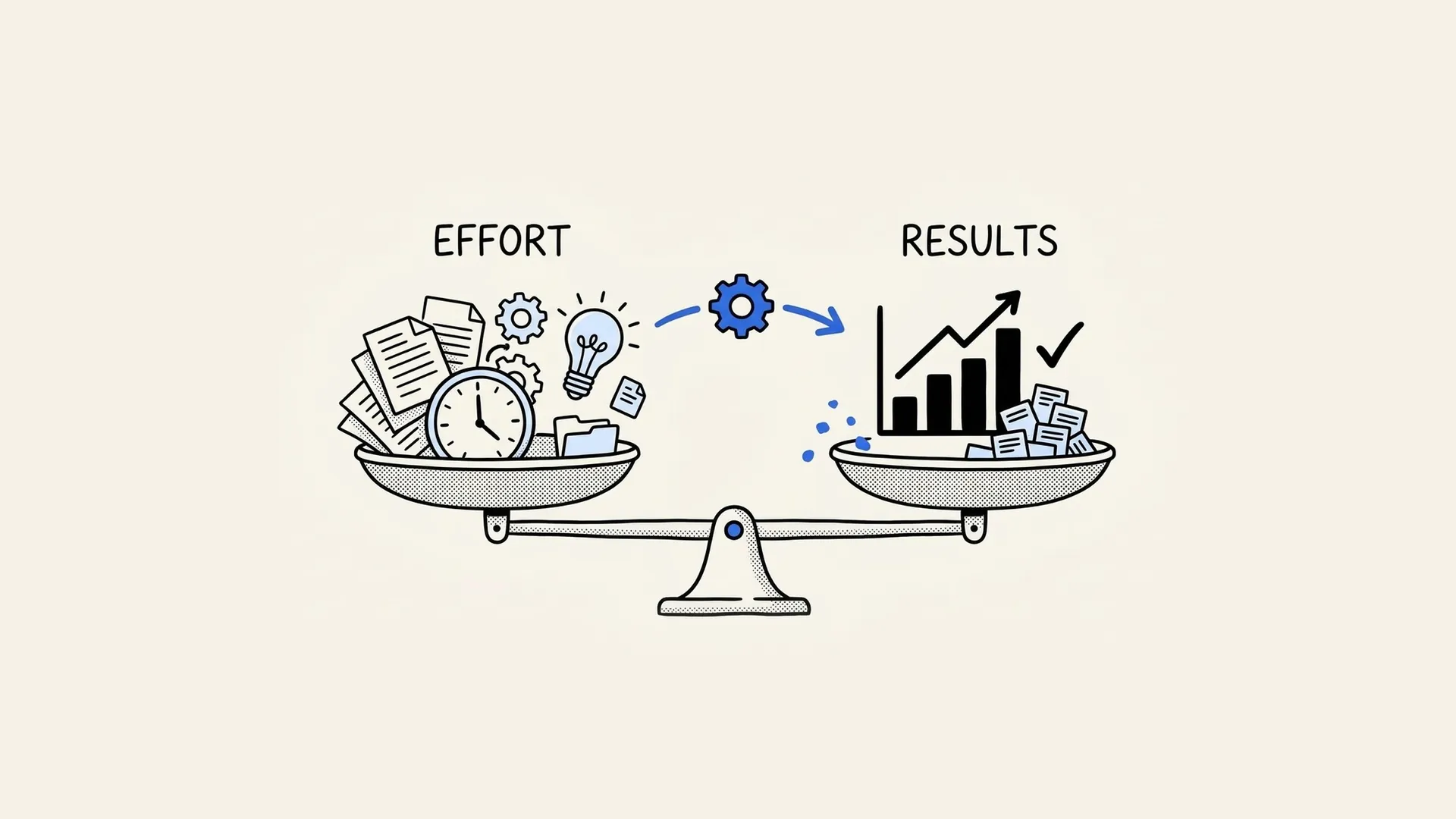
The best way to measure remote worker productivity is to measure output, not activity. Set 1 or 2 outcome metrics per role, such as meetings booked for an SDR or tickets solved for a support rep. Add a quality check and review both every week.
A Stanford-led study of 1,612 Trip.com employees found hybrid workers performed the same as office workers, with 33% fewer resignations.
At CloudTask we place remote hires with US companies every week, and the managers who keep them longest measure results, not hours. This guide covers the metrics to use for each role, how to set them up, when monitoring software helps and the mistakes to avoid.
Why Is Remote Productivity Hard to Measure?
Managers lose the visual cues they used in the office. Microsoft's 2022 Work Trend Index, a survey of 20,006 people in 11 countries, found that 85% of leaders struggle to trust that hybrid employees are productive, while 87% of employees say they are. Microsoft called the gap "productivity paranoia."
The data does not back the worry. In a randomized trial published in Nature in 2024, Nicholas Bloom and co-authors found no difference in performance reviews or promotions between hybrid and office workers at Trip.com.
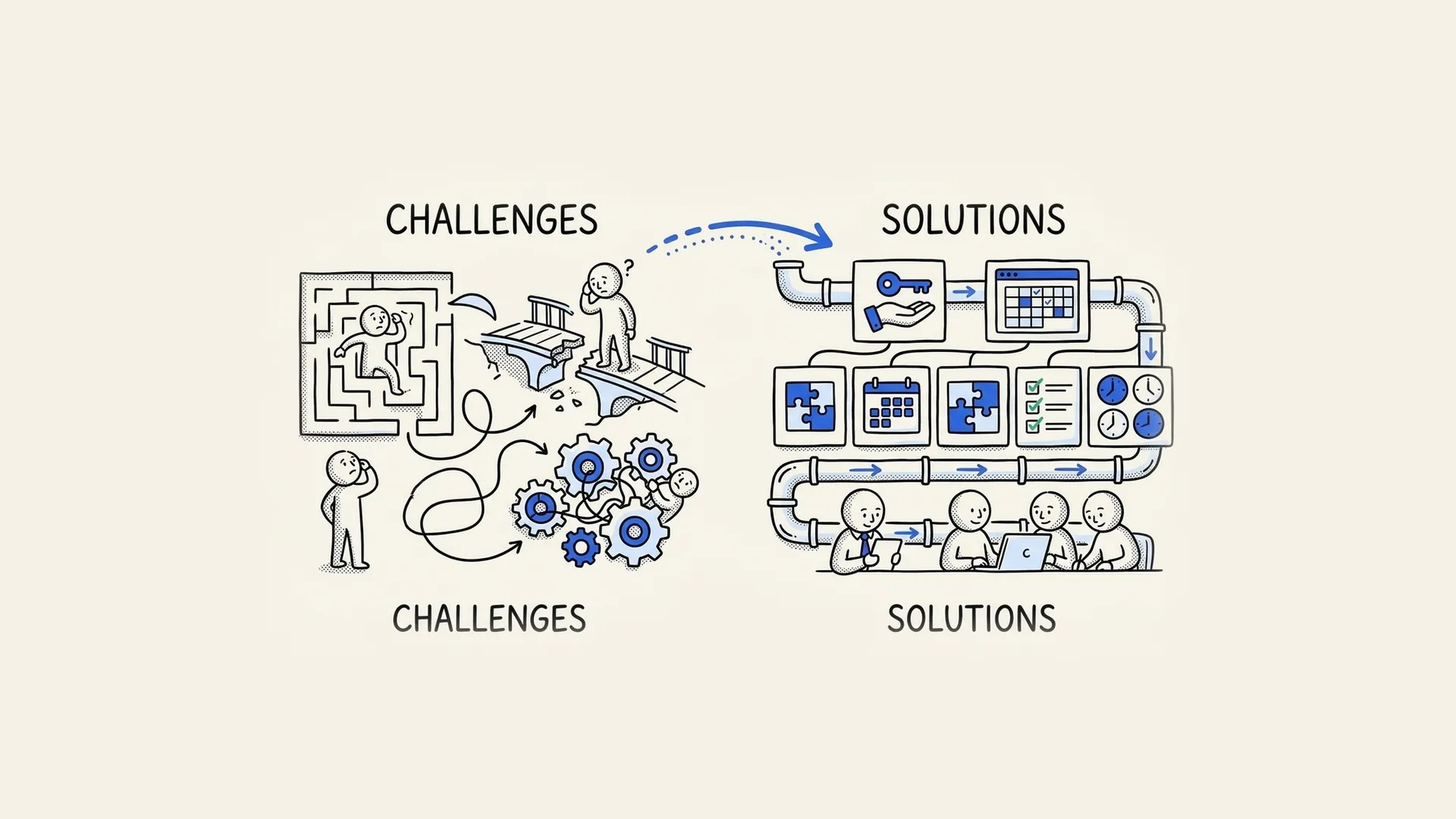
Key point: the problem is usually unclear goals, not remote work. When a manager cannot say what good output looks like, nobody can measure it, in the office or at home.
Output vs Activity: What to Measure
| Type | Examples | What it tells you | Use it for |
|---|---|---|---|
| Output | Meetings booked, tickets solved, features shipped | Whether the work got done | Weekly reviews and targets |
| Quality | CSAT, error rate, deal conversion, code review notes | Whether the work was good | Weekly or monthly reviews |
| Activity | Hours logged, calls made, messages sent | How the work happened | Coaching and diagnosis only |
| Engagement | 1:1 notes, survey scores, time off taken | Whether the pace will last | Monthly check-ins |
In Microsoft's 2022 survey, 87% of employees said they were productive. Output data lets you check that claim instead of arguing about it.
Activity metrics help when output drops and you need to know why. They make bad targets. Reward hours online and you get people who stay online.
Remote Productivity Metrics by Role
Pick 1 output metric and 1 quality check per role. More than that and nobody remembers which one matters.
| Role | Output metric | Quality check | Review |
|---|---|---|---|
| SDR / BDR | Meetings held per month | Meeting-to-opportunity rate | Weekly |
| Account Executive | Pipeline created and revenue closed | Win rate, forecast accuracy | Weekly |
| Customer Success Manager | Accounts renewed, expansion revenue | Net revenue retention, churn | Monthly |
| Support Representative | Tickets resolved | CSAT, reopen rate | Weekly |
| Virtual Assistant | Tasks completed on time | Rework needed, manager feedback | Weekly |
| Software Developer | Stories or tickets shipped | Bugs found after release, review notes | Every sprint |
| Marketing specialist | Campaigns or assets shipped | Leads or traffic generated | Monthly |
For sales roles, benchmarks help you set the number. The Bridge Group's 2025 SDR report puts the median SDR quota at 10 meetings held per month.
How to Measure Remote Employee Productivity in 5 Steps
- Write down what good looks like. For each role, name the outcome, the target and the deadline. "Book 10 qualified meetings a month" works. "Be proactive" does not.
- Pick the source of truth. Use the system where the work already lives: the CRM for sales, the help desk for support, the project tool for everyone else. Do not ask people to report the same work twice.
- Review weekly, in a short 1:1. Look at the number, then ask what blocked it. 15 to 30 minutes is enough.
- Check quality every month. Read a sample of calls, tickets or code. Ask the people who receive the work.
- Adjust after the first 60 days. New hires need time to ramp. At CloudTask we check in with every placement at day 7, 30 and 60, and most targets get tuned in that window.
Should You Use Employee Monitoring Software?
Monitoring tools such as Hubstaff, Time Doctor, DeskTime and Insightful track hours, apps and websites, and some take screenshots. They have a place:
- Hourly or billable work, where you pay or invoice by the hour.
- Compliance needs, where you must prove who accessed what.
- Diagnosis, when output drops and you need to see where time goes.
They work against you when they replace output metrics. People learn to look busy, and strong performers leave because the tool signals distrust. If you use one, tell the team what you track and why, and check the privacy rules in each country where your people work.
What Tools Help Measure Remote Work?
- Project and task tools: Asana, ClickUp or Jira to track tasks, deadlines and completion rates.
- CRM: HubSpot or Salesforce for sales and customer success metrics.
- Help desk: Zendesk or Intercom for ticket volume, resolution time and CSAT.
- Time tracking: Hubstaff, Toggl or Clockify for hourly or billable work.
- Communication: Slack or Microsoft Teams. Use them to stay in touch, not to count messages.
Common Mistakes When Measuring Remote Productivity
- Counting messages or green dots. Online status shows presence, not results.
- Too many metrics. 8 numbers per person means nobody knows which one counts.
- Changing targets every week. Set the number, give it a month, then adjust.
- Skipping the 1:1. A dashboard tells you what happened. Only a conversation tells you why.
- Blaming remote work for a hiring problem. If a person misses targets in every setting, the issue is fit, not location.
Key Takeaways
- Measure output and quality. Use activity data only to diagnose problems.
- Give each role 1 output metric and 1 quality check, reviewed weekly or monthly.
- Use the systems where work already lives: CRM, help desk, project tool.
- Research backs remote and hybrid work: Bloom's 2024 Nature study found equal performance and 33% fewer resignations.
- Monitoring software fits hourly work and diagnosis, not day-to-day management.
Frequently Asked Questions
How do employers measure productivity for remote employees?
Most employers set outcome metrics per role and review them on a schedule. Sales teams track meetings, pipeline and revenue in the CRM. Support teams track tickets resolved and CSAT in the help desk. Other roles track tasks completed on time in a project tool. Weekly 1:1s and monthly quality reviews add the context that numbers miss.
What are the best metrics for remote work productivity?
The best metrics measure outcomes: meetings held for an SDR, revenue closed for an Account Executive, tickets resolved for support, stories shipped for a developer. Pair each with a quality check, such as CSAT, win rate or bugs after release. Hours logged and messages sent show activity, not productivity, so use them only for coaching.
What are the common challenges in measuring remote employee productivity?
The main challenge is trust. Microsoft's 2022 Work Trend Index found 85% of leaders struggle to trust that hybrid employees are productive, while 87% of employees say they are. Other challenges include unclear goals, too many metrics, data spread across tools and time zone gaps that make real-time check-ins harder.
Is remote work less productive than office work?
Research does not show that. A 2024 randomized trial in Nature, led by Stanford's Nicholas Bloom, followed 1,612 Trip.com employees. Hybrid workers had the same performance reviews and promotion rates as office workers, and 33% fewer of them quit. Results depend on the role and on how well the manager sets goals.
Should I use software to monitor remote workers?
Use it when you pay or bill by the hour, when compliance requires it or when you need to diagnose a drop in output. Do not use it as your main productivity measure. Tell your team what the tool tracks and why, and check privacy rules in each country where your people work.
Hire Remote Talent You Can Measure
Clear metrics start with the right hire.
CloudTask has placed more than 10,000 hires since 2016 across 12 countries in Latin America and the Caribbean, and 85% are still in seat past 90 days. We send 3 to 5 screened profiles within 48 hours and check in at day 7, 30 and 60. Get matched or read our guide to managing remote workers.